


Rating: 7/10
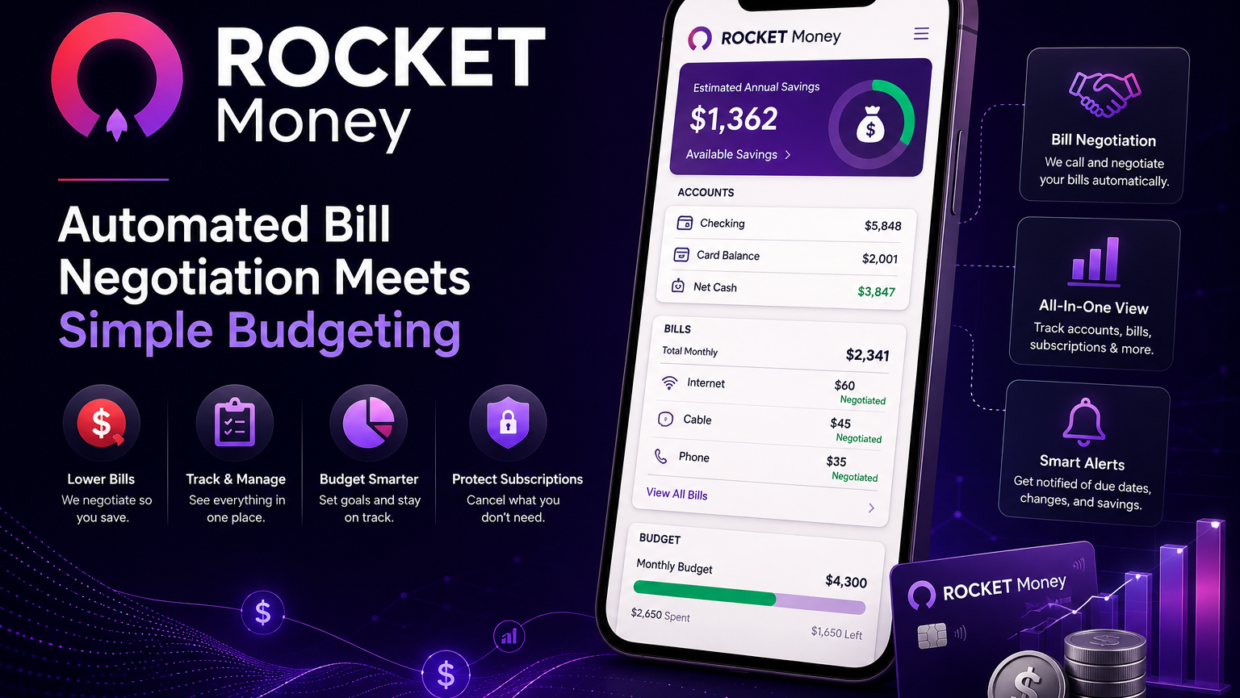
Rocket Money built its reputation on one standout feature: it will call your cable, internet, or subscription providers on your behalf to negotiate a lower bill, taking a cut of whatever it saves you. That feature still works well, and for anyone who dreads haggling with customer service, it can genuinely pay for itself.
Beyond bill negotiation, the app functions as a fairly capable budgeting tool. It links to bank and credit card accounts, automatically categorizes spending, and flags recurring subscriptions you may have forgotten about, which is often the most eye-opening part of using it for the first time. The dashboard is clean and easy to scan, even for people who find traditional budgeting spreadsheets tedious.
The free version covers the basics, but the more useful budgeting and net worth tracking tools sit behind a pay-what-you-want premium subscription that nudges toward a suggested monthly price. It’s a fairer model than a flat mandatory fee, though the constant upsell prompts can feel a little pushy over time.
Security-wise, Rocket Money uses the same bank-linking infrastructure as most competitors, and it doesn’t store your bank credentials directly, which should ease some of the concern about connecting financial accounts to a third-party app.
Who should use it: Anyone with several recurring subscriptions and cable or internet bills they’ve never gotten around to negotiating, and who wants a simple, automated view of where their money goes each month.
Where to get it: Available for free download on iOS and Android, with optional premium features.